

How to Get Your GEPCO Bill Online Anytime?
Want to check GEPCO bill online? This simple video guide will help you step by step. Just enter your 14-digit reference number to start. Or you need your 10 digits consumer ID to access your GEPCO bill in a matter of seconds.
The video shows each step clearly. Anyone can follow it easily. You have a lot of choices. You can check your latest GEPCO bill. You can see your bill history for the last 12 months. You can check your consumed units. So a lot of information and data is available to you.
Watch the video now and stay updated with your WAPDA bill online.
In this video, I’ll show you how to check your GEPCO electricity bill online in 2025. It’s a quick and easy method that anyone can use, as no special skills are required. You need to do it. If you lost your bill. You need to see your current month’s bill. You need a copy of an old bill. This guide is for you for any of the above reasons.
You can do it all in a matter of seconds. You only need your phone or computer. Enter the gepcowapdabill.pk. After the site loads, just enter the required details and get your bill.
Watch the full video and learn how to check your WAPDA bill online step by step.
How to Use gepcowapdabill.pk to Check Your latest Gepco Bill online?
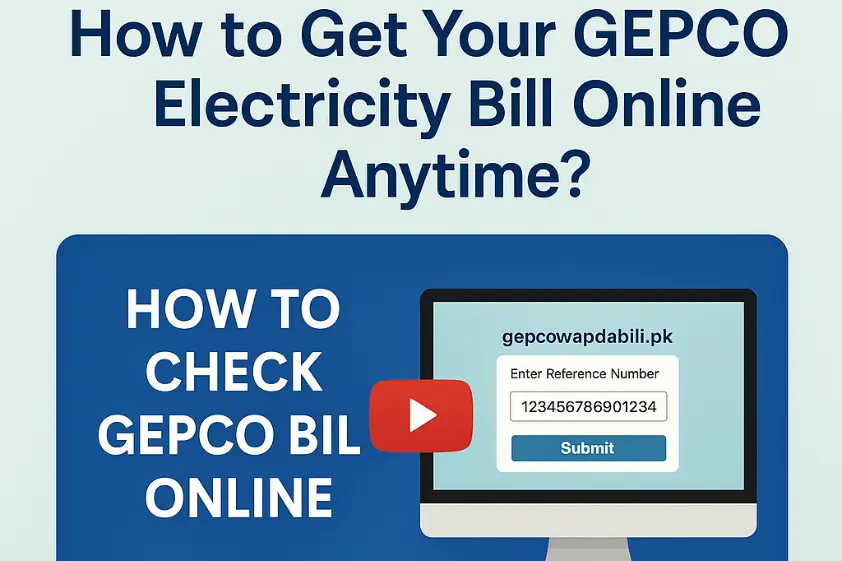
Step 1: Find Your 14-Digit Reference Number
First, I’ll show you how to find your 14-digit reference number. You can see it on any old GEPCO electricity bill. This number is very important. You need it to check your GEPCO bill online and get your billing details.
Step 2: Visit the gepcowapdabill.pk
Next, go to the gepcowapdabill.pk to check your bill online. I’ll guide you step by step so you land on the correct and safe website. This helps you stay safe while checking your GEPCO electricity bill online.
Step 3: Enter Your Reference Number
Now, enter your 14-digit reference number in the given field. I’ll show you where to type it and how to do it correctly. This step is very important. Entering the number the right way helps you avoid errors. Then, you can see your GEPCO electricity bill online without any problem.
Step 4: View Your GEPCO Bill Details
After you enter your number and press submit, your latest GEPCO bill will appear on the screen. I’ll show you what each part means:
· Total units consumed
· Amount to pay
· Due date
· Meter reading date
This helps you understand your GEPCO electricity bill online easily.
Step 5: Download or Print Your GEPCO Bill
Now I’ll show you how to download or print your GEPCO bill. You can save it as a PDF or print a hard copy. This is helpful if you need the bill to make a payment at a bank. With just one click, you can keep a copy of your GEPCO electricity bill for your records.


